> For the complete documentation index, see [llms.txt](https://docs.acecloud.ai/knowledge-base/llms.txt). Markdown versions of documentation pages are available by appending `.md` to page URLs; this page is available as [Markdown](https://docs.acecloud.ai/knowledge-base/tutorials/how-to-install-kdenlive-on-ubuntu-20.04.md).
# How to install Kdenlive on Ubuntu 20.04?
### **Overview**
Kdenlive is a free and open-source video editing software that is popular among content creators and video editors. It is known for its intuitive interface and powerful features, making it a great choice for both amateur and professional video editors. In this tutorial, we will guide you through the steps to install Kdenlive on Ubuntu 20.04.
### **Prerequisites**
There are certain prerequisites that need to be met before you begin.
* Ubuntu 20.04-equipped system
* A sudo-privileged user account
* Internet connection
* Knowledge of CLI
### Get Started
**Step 1:** Update the system packages by using the following command.
```
sudo apt update
```
 **Step 2:** Install Kdenlive on Ubuntu by entering the command given below in the terminal.
```
sudo apt install kdenlive
```
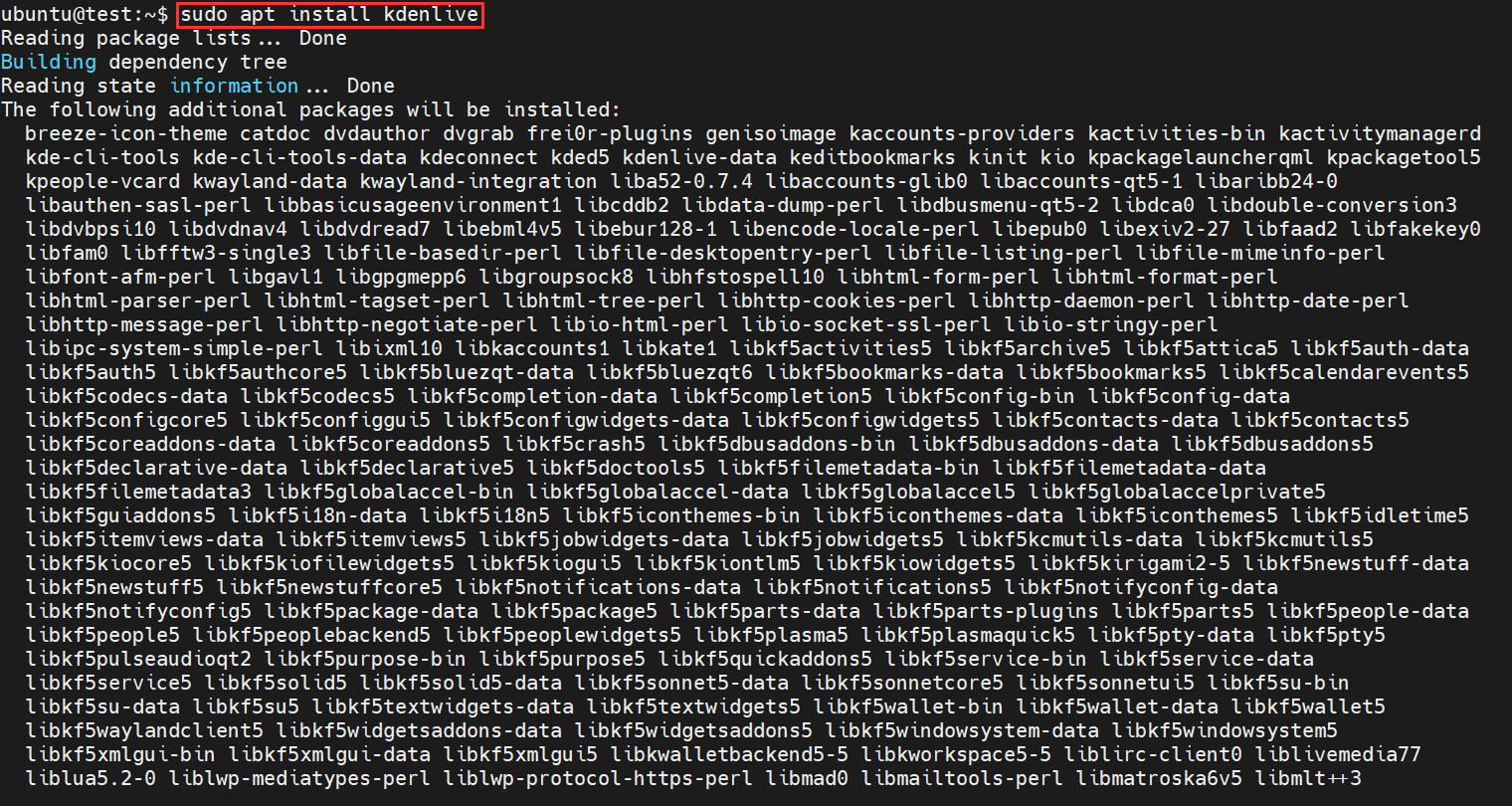 When prompted to continue, enter '**y**'.
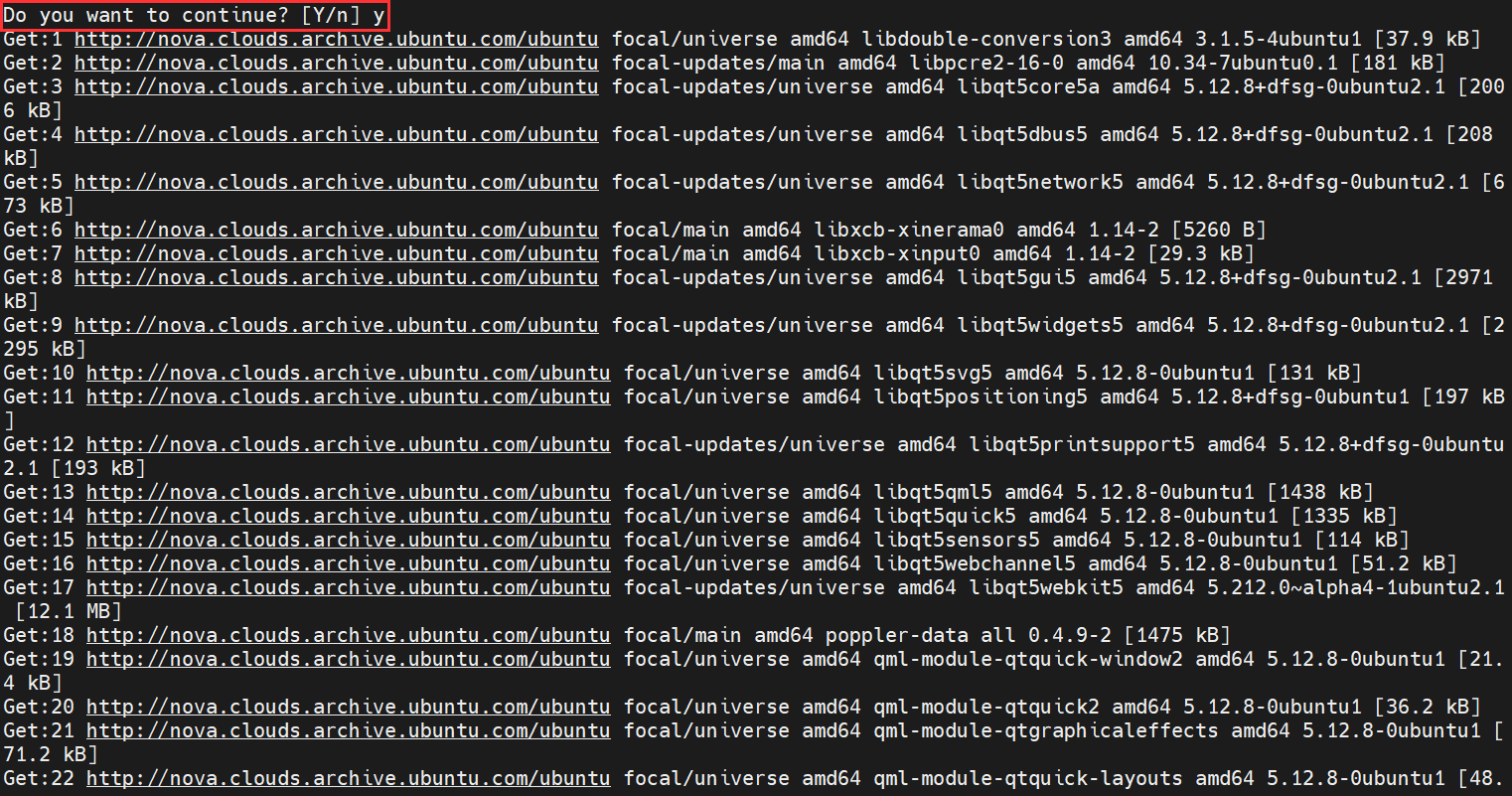 **Step 3:** Verify the installation of Kdenlive by entering the command given below.
```
kdenlive -v
```
 The output will display the version of Kdenlive which is installed on your system.
### **Conclusion**
Kdenlive is an excellent video editing software that offers a range of features and is easy to use. In this tutorial, we have shown you how to install Kdenlive on Ubuntu 20.04. By following the above steps, you will have Kdenlive installed and ready to use, allowing you to edit and create videos with ease. Whether you are a content creator or a professional video editor, Kdenlive has something to offer for everyone.